Understanding TradingView: Your All-in-One Trading Platform
In an ever-evolving market landscape, traders need tools that enhance their analytical capabilities and streamline their trading processes. TradingView stands out as a robust platform that unifies various essential features, enabling traders to analyze stocks, forex, cryptocurrencies, and derivatives all in one workspace. This article delves into the multifaceted capabilities of TradingView and how it can bolster your trading strategies through improved workflows and insights.
What is TradingView and Its Key Features?
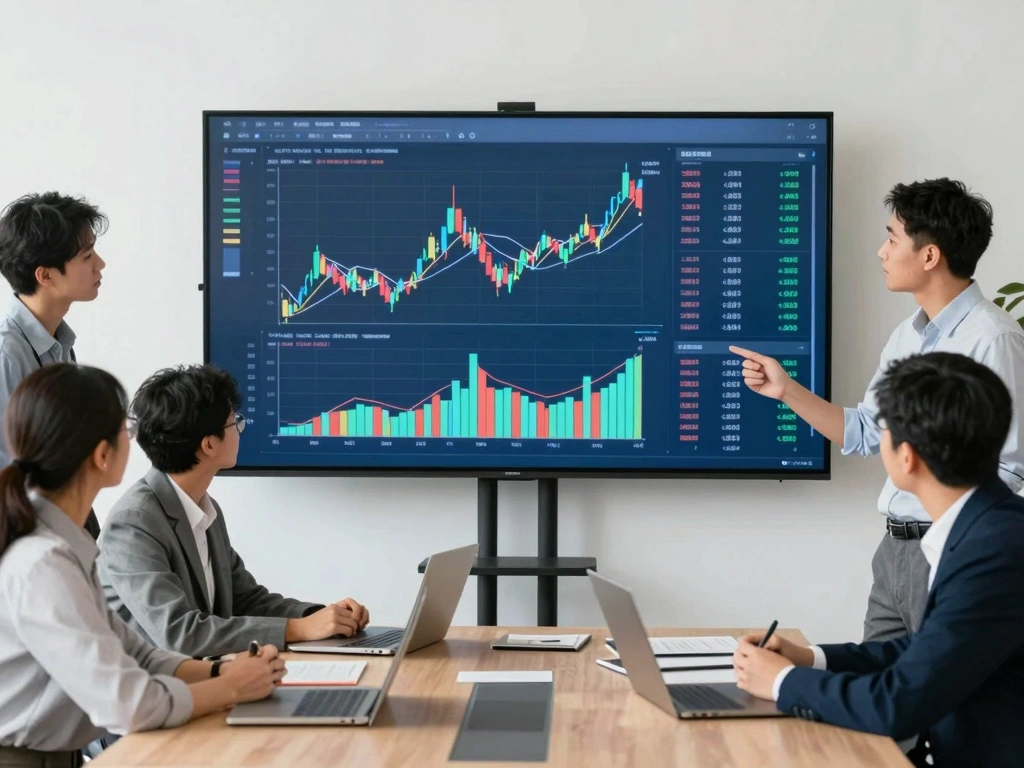
TradingView is a comprehensive market analysis platform that offers a plethora of features designed for both novice and experienced traders. At its core, TradingView provides real-time data and advanced charting capabilities that allow users to visualize market trends effectively. Key features include:
- Multi-Asset Support: Whether it's stocks, forex, or cryptocurrencies, TradingView supports a wide range of asset classes.
- Advanced Charting Tools: Users can customize their charts with indicators, overlays, and various technical analysis tools.
- Alerts and Notifications: Set up alerts for price movements and technical conditions to stay updated without constant monitoring.
- Pine Script: A proprietary scripting language that allows traders to create custom indicators and strategies.
- Community Insights: Access a thriving community of traders to share insights, strategies, and market analysis.
Benefits of Using TradingView for Traders
The benefits of utilizing TradingView extend beyond mere charting; they encompass a holistic approach to trading. Here are some reasons why traders gravitate toward this platform:
- Accessibility: With a web-based interface, traders can access their accounts from any device, ensuring that they are always connected to the markets.
- Comprehensive Research Tools: The integration of news feeds, economic calendars, and market insights provides traders with the necessary context for their decisions.
- Enhanced Collaboration: The social aspect of TradingView allows traders to discuss strategies and share insights, fostering a community of learning.
- Customization: Users can tailor their dashboards and workspaces to fit their personal trading styles and preferences.
Getting Started: Setting Up Your TradingView Account
Creating an account on TradingView is straightforward. Here’s how you can get started:
- Visit the TradingView website and click on the “Sign Up” button.
- Choose your preferred registration method—either using an email or social media account.
- Complete your profile by providing necessary details and preferences.
- Explore the interface, familiarize yourself with the tools, and customize your settings.
Building Your Custom Trading Workflows
Establishing an effective workflow is paramount for successful trading. TradingView empowers users to build tailored workflows that facilitate better decision-making. Below are strategies to optimize your trading experience:
Creating Effective Chart Layouts and Indicators
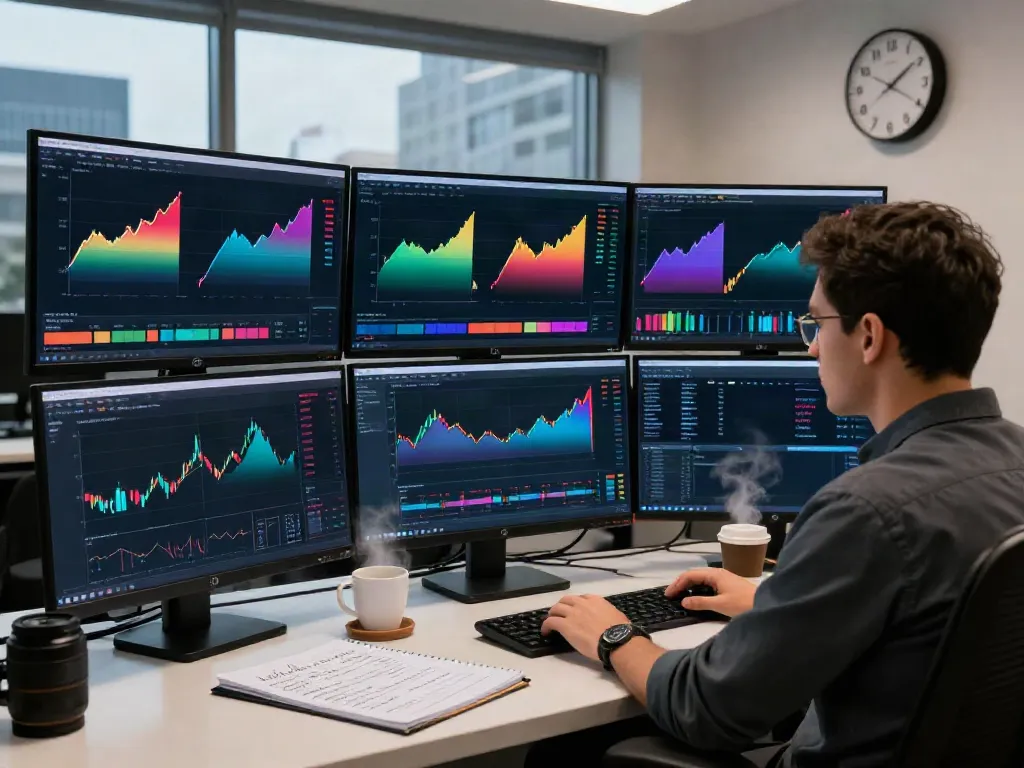
One of the standout features of TradingView is its ability to create custom chart layouts. Traders can overlay multiple indicators, such as moving averages, RSI, and Bollinger Bands, to gain deeper market insights. Here’s how to create an effective chart layout:
- Select the asset you wish to analyze and choose your preferred time frame.
- Add indicators that suit your trading strategy (e.g., trend followers for long positions, oscillators for short-term trades).
- Save your layout for easy retrieval, facilitating a streamlined analysis process in future sessions.
Utilizing Alerts and Notifications for Active Trading
In today’s fast-paced trading environment, timely information is critical. Using TradingView's alert system notifies traders of significant price changes or technical events. Here’s how to set alerts:
- Right-click on the chart and select “Add Alert.”
- Customize your alert conditions (e.g., price crossing a certain level or technical indicators reaching specific thresholds).
- Choose your notification method—email, SMS, or app notifications.
Implementing Scripting with Pine Script for Strategy Creation
Pine Script is a game-changer for traders looking to develop custom strategies. It enables users to program unique indicators and backtest them against historical data. To get started with Pine Script:
- Open the Pine Script editor from the TradingView interface.
- Follow tutorials or leverage community-generated scripts as references to understand the syntax and capabilities.
- Test your scripts in the Strategy Tester to evaluate their performance before deploying them in live trading.
Research Strategies for Stocks, Forex, and Crypto
Developing and refining research strategies is essential for successful trading across various asset classes. TradingView provides the necessary tools to formulate these strategies effectively.
How to Analyze Market Trends with TradingView
Identifying market trends is vital for making informed trading decisions. Using TradingView, you can analyze trends through:
- Chart patterns: Recognize formations like head and shoulders or flags that indicate potential reversals or continuations.
- Volume analysis: Understanding volume trends can provide insights into the strength of a price move.
- News integration: Keep up with market-moving news directly through TradingView’s news feed feature.
Using Screener and Heatmap Features for Insights
Screener tools and heatmaps on TradingView allow traders to filter stocks based on specific criteria, such as performance, market cap, or sector performance. This enables quick identification of potential trading opportunities. Here’s how to leverage these tools:
- Access the screener and select the desired criteria based on your trading strategy.
- Utilize the heatmap to visualize the performance of assets across sectors or asset classes.
- Save your screener settings to quickly access your preferred filters in future sessions.
Community Insights: Learning from Other Traders
The TradingView community is a rich resource for insights and learning. Engaging with other traders allows you to:
- Share your ideas and receive feedback, helping to refine your trading strategies.
- Follow experienced traders and learn from their analyses and trading styles.
- Participate in discussions and forums to stay abreast of market sentiment and emerging trends.
Maximizing Performance: Backtesting and Strategy Validation
To enhance trading outcomes, backtesting is critical. TradingView’s Strategy Tester provides robust features for validating your trading strategies before applying them in real-time.
Using the Strategy Tester to Evaluate Trading Ideas
The Strategy Tester enables traders to simulate their strategies against historical data, allowing for a thorough evaluation of performance metrics. Steps to effectively use the Strategy Tester include:
- Develop your trading strategy using Pine Script and save it.
- Open the Strategy Tester and select your script to run simulations.
- Analyze results—take note of metrics such as win rate, maximum drawdowns, and profit ratios.
Common Pitfalls in Backtesting and How to Avoid Them
While backtesting is a powerful tool, traders must be cautious of common pitfalls, such as:
- Data Mining: Overfitting strategies based on historical data can lead to poor performance in live trading.
- Ignoring Market Conditions: Strategies should be tested under varying market conditions to ensure robustness.
- Neglecting Transaction Costs: Always factor in trading fees and slippage to get accurate performance metrics.
Measuring Success: Key Performance Metrics to Track
To assess the effectiveness of your trading strategies, focus on key performance metrics, including:
- Return on Investment (ROI): Calculate the profitability relative to the amount invested.
- Sharpe Ratio: Measure risk-adjusted return to understand strategy efficiency.
- Maximum Drawdown: Track the maximum loss from a peak to a trough in your trading equity.
Future Trends in Trading and Market Analysis for 2026
The trading landscape is set to evolve significantly over the next few years. Here are some anticipated trends that traders should consider:
Emerging Technologies Transforming Trading Practices
Technologies such as blockchain, machine learning, and algorithmic trading are poised to redefine how trading occurs. Traders should prepare to integrate these technologies into their strategies. For instance:
- Algorithmic trading systems can automate trades based on predefined parameters, enhancing efficiency.
- Blockchain technology may improve transparency and security in trading transactions.
The Role of AI in Market Predictions and Automation
Artificial intelligence is becoming increasingly significant in market predictions. The integration of AI tools into TradingView could provide traders with:
- Enhanced predictive analytics for more accurate market forecasting.
- Automated trading systems that adapt to market changes dynamically.
Preparing for Changes in Trading Regulations and Market Dynamics
As trading evolves, so will the regulations governing it. Staying informed about regulatory changes can help traders remain compliant and leverage new opportunities. Key considerations include:
- Understanding regional regulations affecting asset classes.
- Preparing for the introduction of new trading standards and compliance requirements.
How to Stay Updated with TradingView’s Latest Features?
TradingView continually evolves to meet the needs of its users. To stay updated:
- Follow their official blog and social media channels for announcements and updates.
- Participate in community forums to learn about new features and functionalities from fellow users.
- Regularly check the TradingView website for updates and releases.
Is TradingView Worth It for Beginners?
For beginners, TradingView offers a user-friendly interface that simplifies the learning process. The availability of free resources, community support, and educational materials make it an attractive option for new traders looking to establish their skills and knowledge.
Can TradingView Help with Day Trading Effectively?
The platform is particularly beneficial for day traders, thanks to its real-time data, customizable alerts, and advanced charting tools. Day traders can quickly make decisions based on market movements without missing opportunities.
What Are Alternatives to TradingView in the Market?
While TradingView is robust, alternatives exist that cater to specific trading needs. Competitors like ThinkorSwim and MetaTrader offer unique functionalities that some traders may prefer, depending on their strategies and trading styles.
How to Troubleshoot Common TradingView Issues?
Common issues in TradingView can often be resolved by:
- Clearing your browser cache or using a different browser.
- Checking for updates or issues on TradingView’s service status page.
- Joining community forums to find solutions from other users experiencing similar problems.
Is the TradingView Free Version Sufficient for New Users?
For many new users, the free version of TradingView offers ample features to get started with trading and market analysis. As traders grow in expertise and require advanced functionalities, they can consider subscribing to premium plans that offer additional tools and insights.